Welcome to MP Sniper Doc 🚀
MP Sniper is your fully autonomous trading assistant — built for speed, precision, and maximum gains.
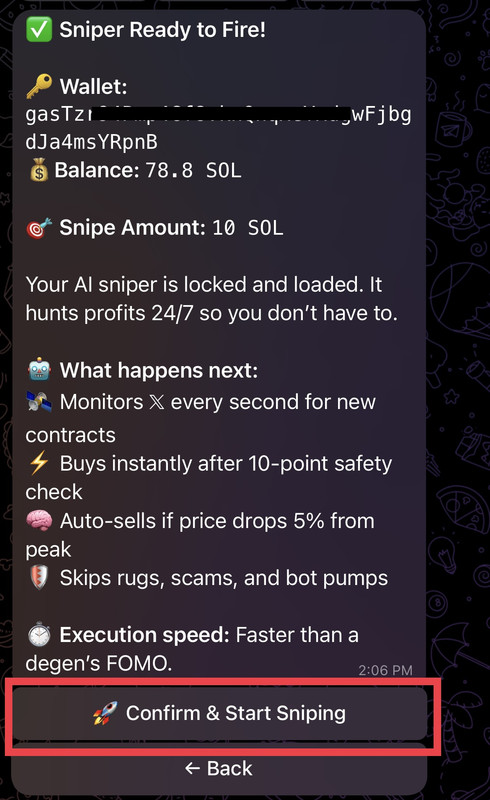
We monitor 𝕏 Twitter 24/7, auto-buying new Solana meme coins the second contract addresses drop, but only after passing our 10 point safety check ✅
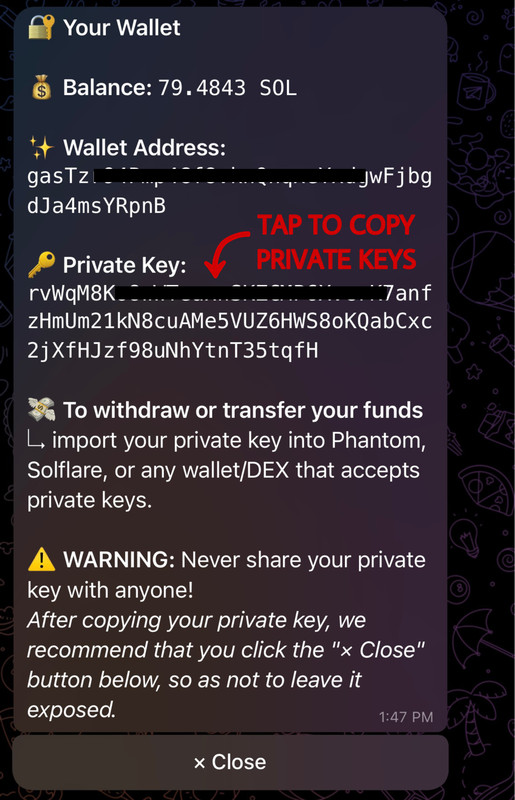
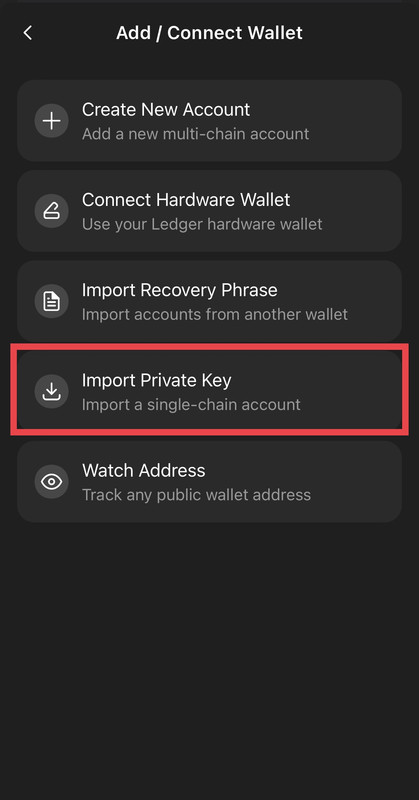
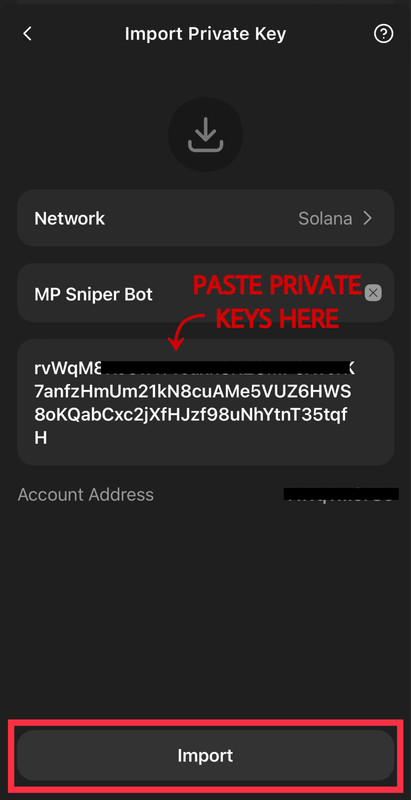
Gain full wallet access via private keys, giving you unrestricted command over your funds while the bot handles execution with machine-like precision.
This documentation serves as your guide to navigating, and optimizing your experience with MP Sniper. Here, you'll find everything you need to start Sniping Solana memecoins with MP Sniper 🎯
Whether you're a seasoned sniper or just getting started — this is your gateway to trading like a machine.
Happy Sniping 🚀
Key Features
GROK-Powered X Monitoring
- Real-time surveillance: Monitors Twitter 24/7 for new contract address posts
- AI intelligence: Uses GROK to analyze and identify credible announcers/accounts
Lightning-Fast Execution
- Instant buying: Faster than manual FOMO reactions
- Execution speed: Faster than a degen's FOMO
High Earnings Potential
- Daily Target: 2 – 100+ SOL (Individual results may vary)
10-Point Safety Scan
- Rug pull protection: Auto-skips scams and malicious contracts
- Bot detection: Identifies and avoids bot driven pumps
- Credibility checks: Validates announcers/accounts trustworthiness
Smart Profit Management
- Auto profit-taking: Notifies at every 2x profit milestone
- Stop-loss protection: Automatically sells if coin dumps 5% after pump
Fully Automated Operation
- Set-and-forget functionality: No manual intervention required
- 24/7 operation: Continuous monitoring and trading
Get Started with MP Solana Sniper
Follow these steps to set up your wallet, deposit SOL, and launch your sniper.
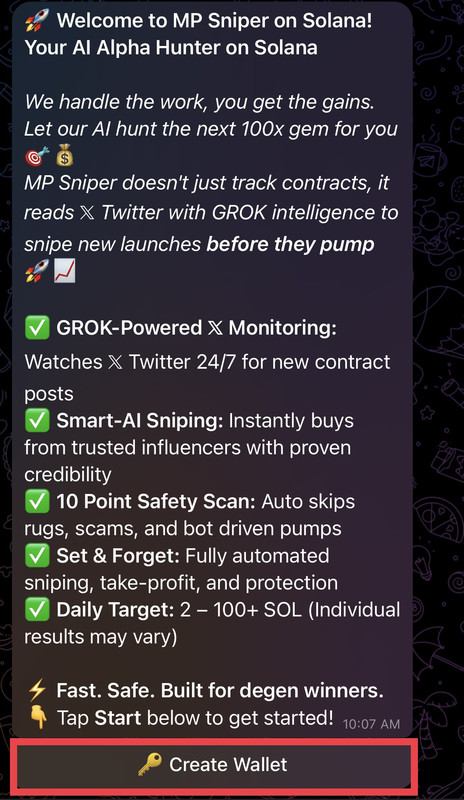
Launch the Sniper Bot
- Open Telegram and press /start to begin
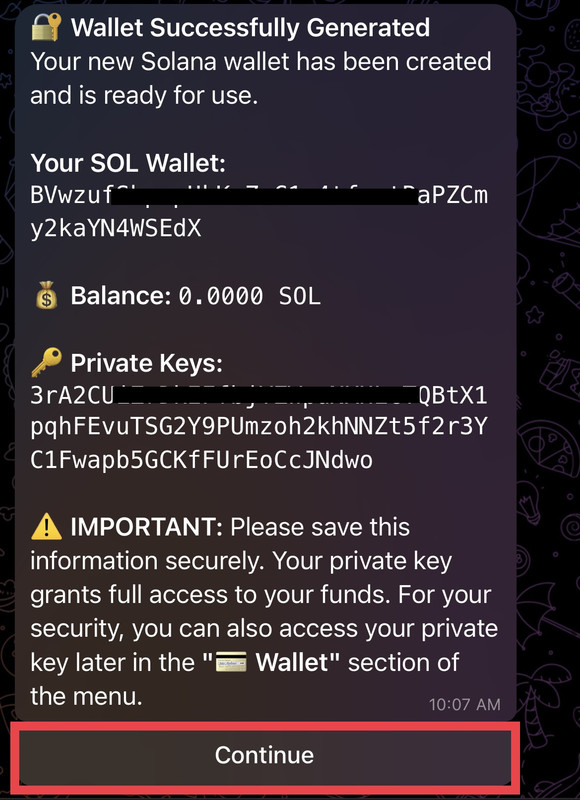
- Create a new wallet via bot
Get Your Deposit Address
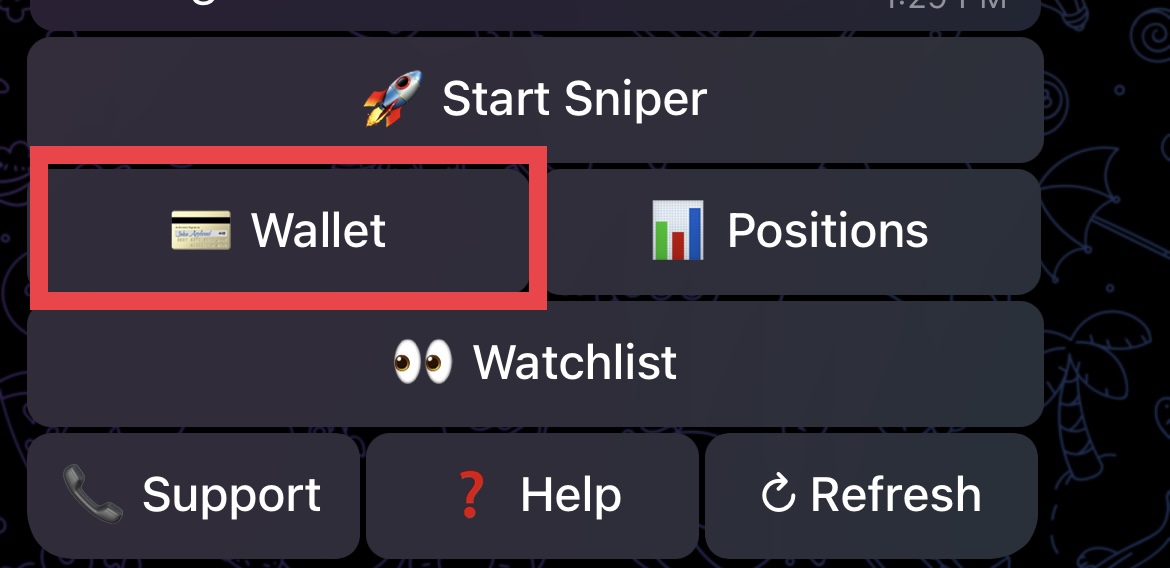
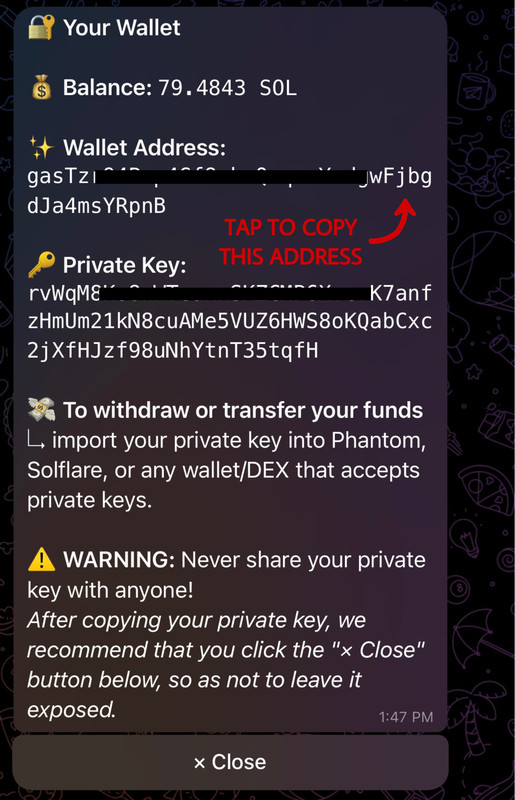
- Click "💳 Wallet"
- Copy the unique sniper wallet address
Fund Your Wallet with SOL
- Send at least 1 SOL to the sniper wallet address
- Use Phantom or Solflare wallet's "Send" option
- Paste sniper address & confirm transaction
- Or transfer SOL from Binance, Coinbase, or Kraken
Start Sniping
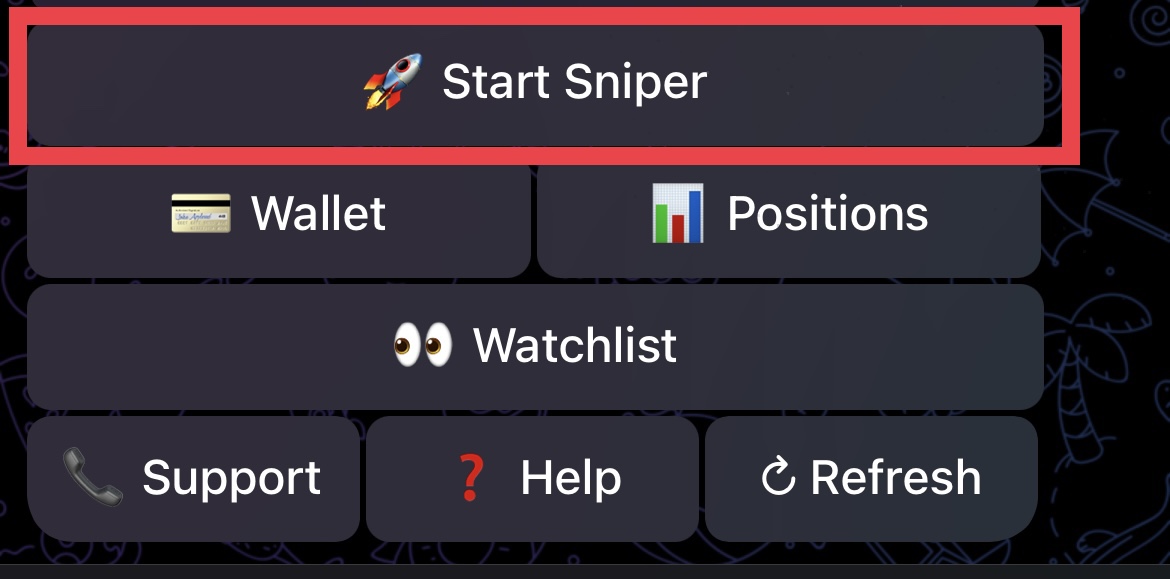
- Click "🚀 Start Sniper"
- Choose how much SOL you want MP Sniper to use for sniping
- Click "🚀 Confirm & Start Sniping"
Track Your Investment
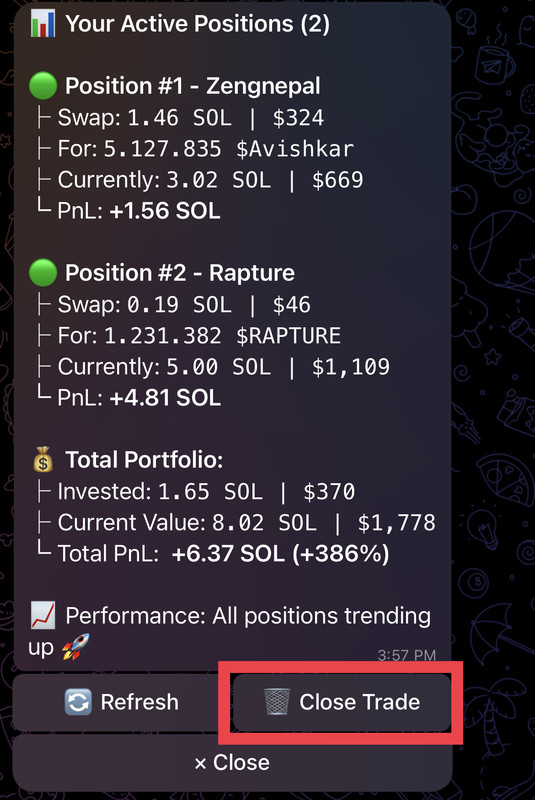
- View balance and sniper logs via the bot
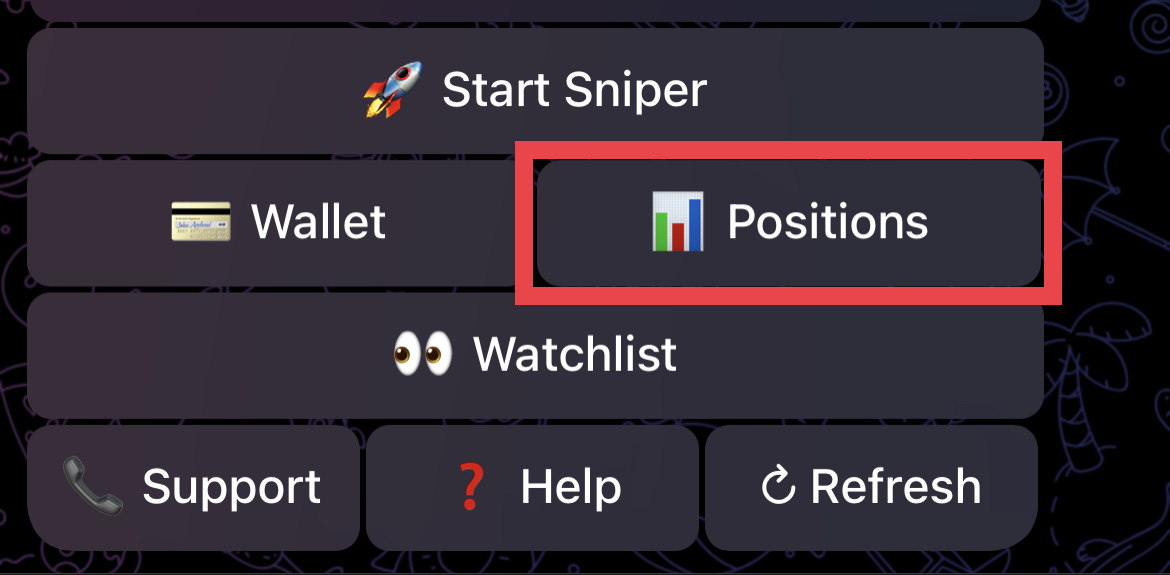
- Click "📊 Positions" for active trades
- Click "🗑 Close Trade" To Close the trade
- Note: The bot will automatically keep your trade active to capitalize on upward momentum, closing only when the price trend reverses.
Daily Cycle & Payout
- Bot executes daily sniper cycles automatically
- Profits are auto-deposited to your wallet
Important Reminders
- Always verify deposit addresses
- Keep private keys and seeds secure
FAQs – New to MP Sniper?
Our FAQ section is here to guide you through the basics of automated trading and helping you get started with MP Sniper quickly.